
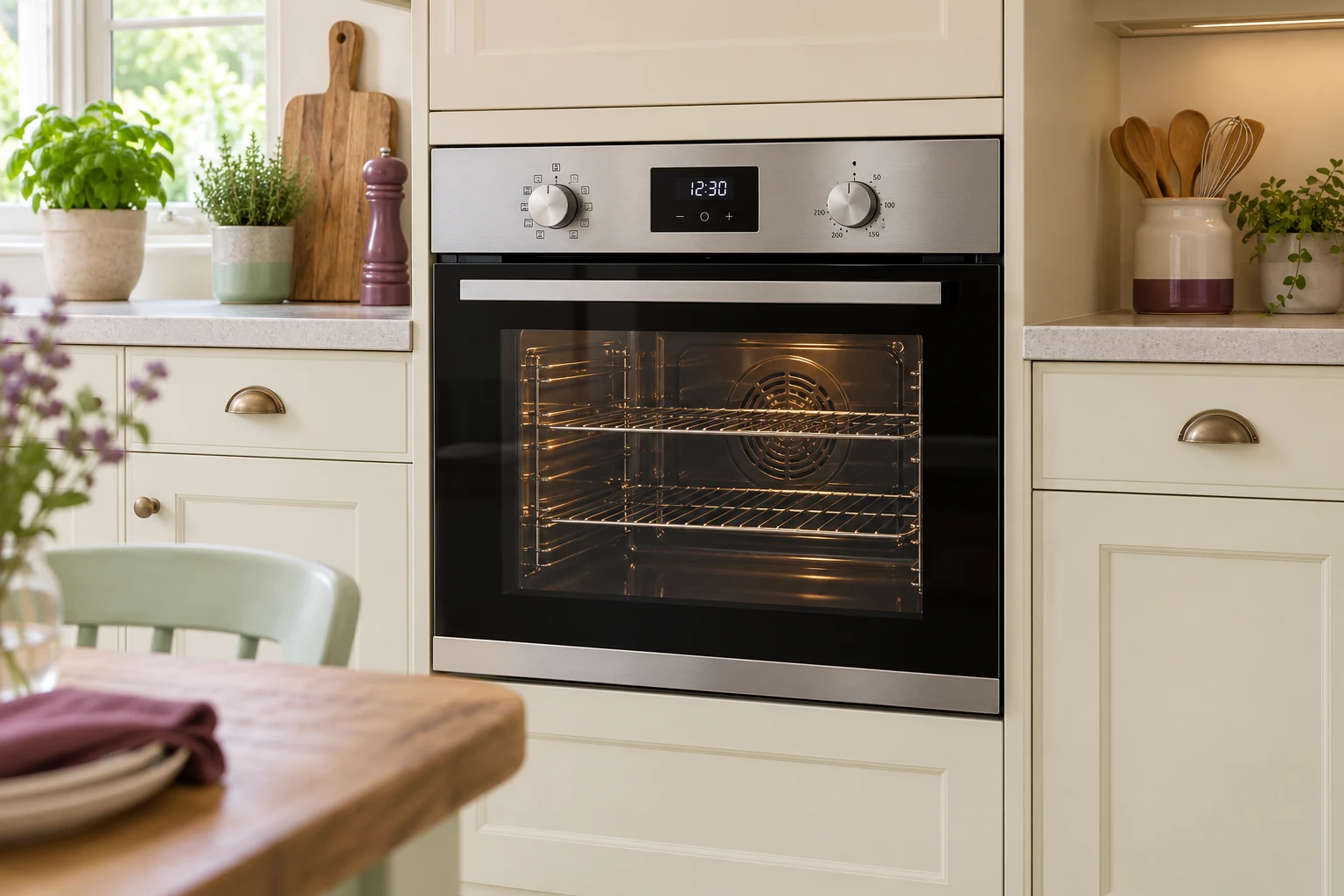
Siemens Oven · your observations
Start with the symbol you selected.
The cavity, cooking mode and temperature belong together in an oven enquiry. Lights, the clock or a fan may still respond when one heating function does not. Describe the affected mode without assuming the whole oven has failed.
A function symbol is more useful than “the oven is on”
Different modes can use different heating and fan arrangements. Identify the selected symbol and cavity. A general description of a lit display loses the detail needed to discuss the affected cooking function.
One cooking mode does not heat
Keep the cavity and mode symbol in the account, including any functions still responding in ordinary use. Heating, switching or regulation may need assessment. A working fan is not proof of a working heater.
The panel is dark, or the buttons do not respond
These are separate observations. Note which lights or displays remain visible and any interruption you already know about. Leave electrical housings shut; an enquiry does not require live testing.
When the fitting limits what you can see
Say which detail is not accessible in the normal position. Existing paperwork can help; preparing a request does not require lifting, dragging out or disconnecting equipment.
When the last user is someone else
Ask for their description of the selection and outcome where possible. Retain what was actually observed rather than replacing it with a guessed component name.
Reading the Siemens label
Keep the full E-Nr including its ending and the FD where present on the safely visible label. Keep the full installed Siemens designation, the actual product type and the existing control arrangement. This name identifies an enquiry route; it does not establish current manufacture, parts stock, replacement compatibility or acceptance of every product.
Discuss the proposed work
Call 0800 037 4915 with the model and sequence of events. Suitable work, charges and a Monday–Thursday appointment are checked for the individual request.